
Essora Eos Essora 1.4 K7
Official ISO release built around the Essora Desktop experience
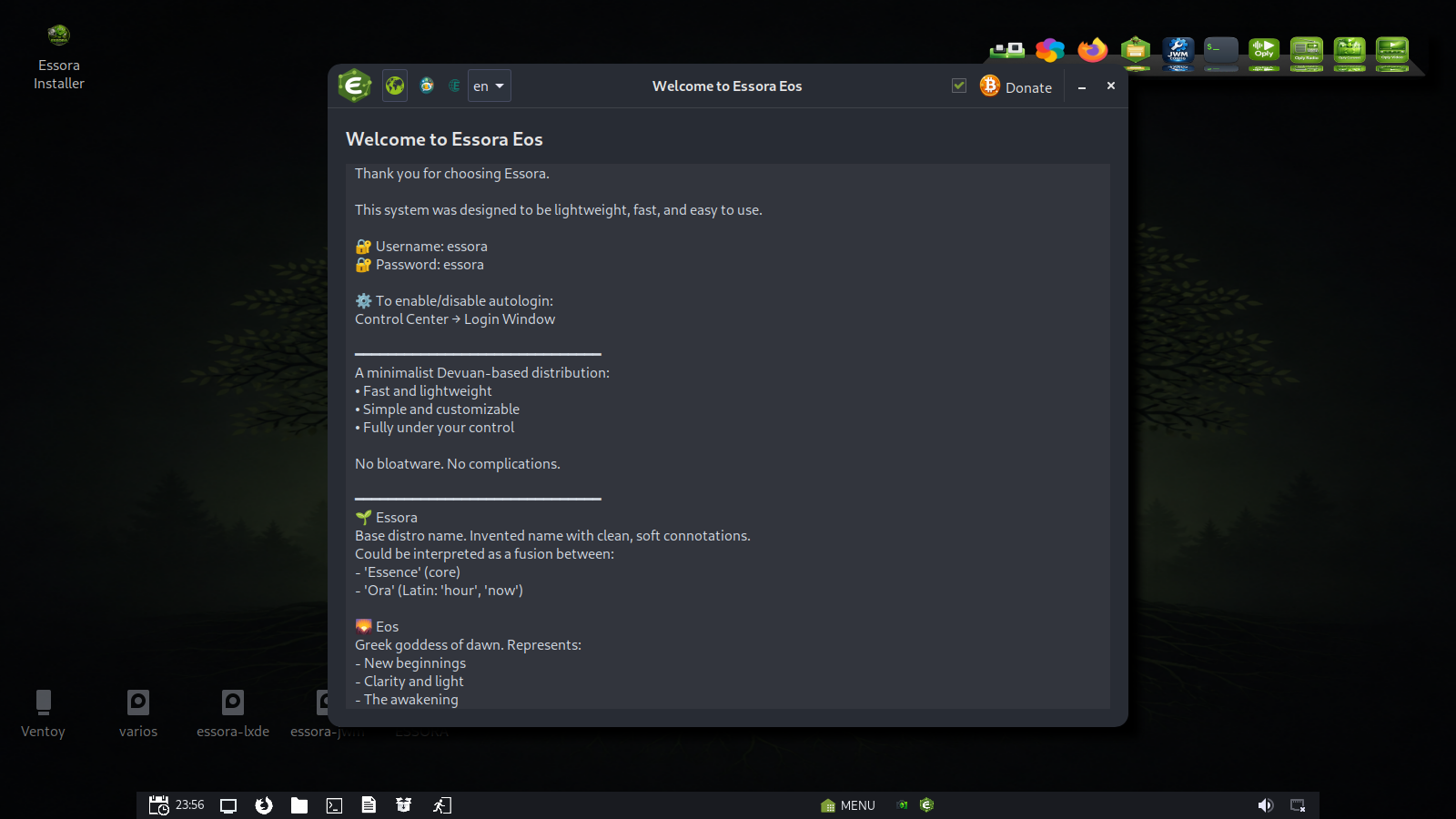
Essora Eos Essora 1.4 K7 is a new ISO focused on presenting Essora as its own desktop experience. It uses XLibre, a fork of Xorg, with JWM as the X11 window-manager layer, while the visible desktop workflow is handled by EssoraFM.
This makes the edition feel like an integrated Essora Desktop: lightweight, clean, fast and built around native Essora tools instead of a heavy traditional desktop environment.
First start: Essora Picom setup
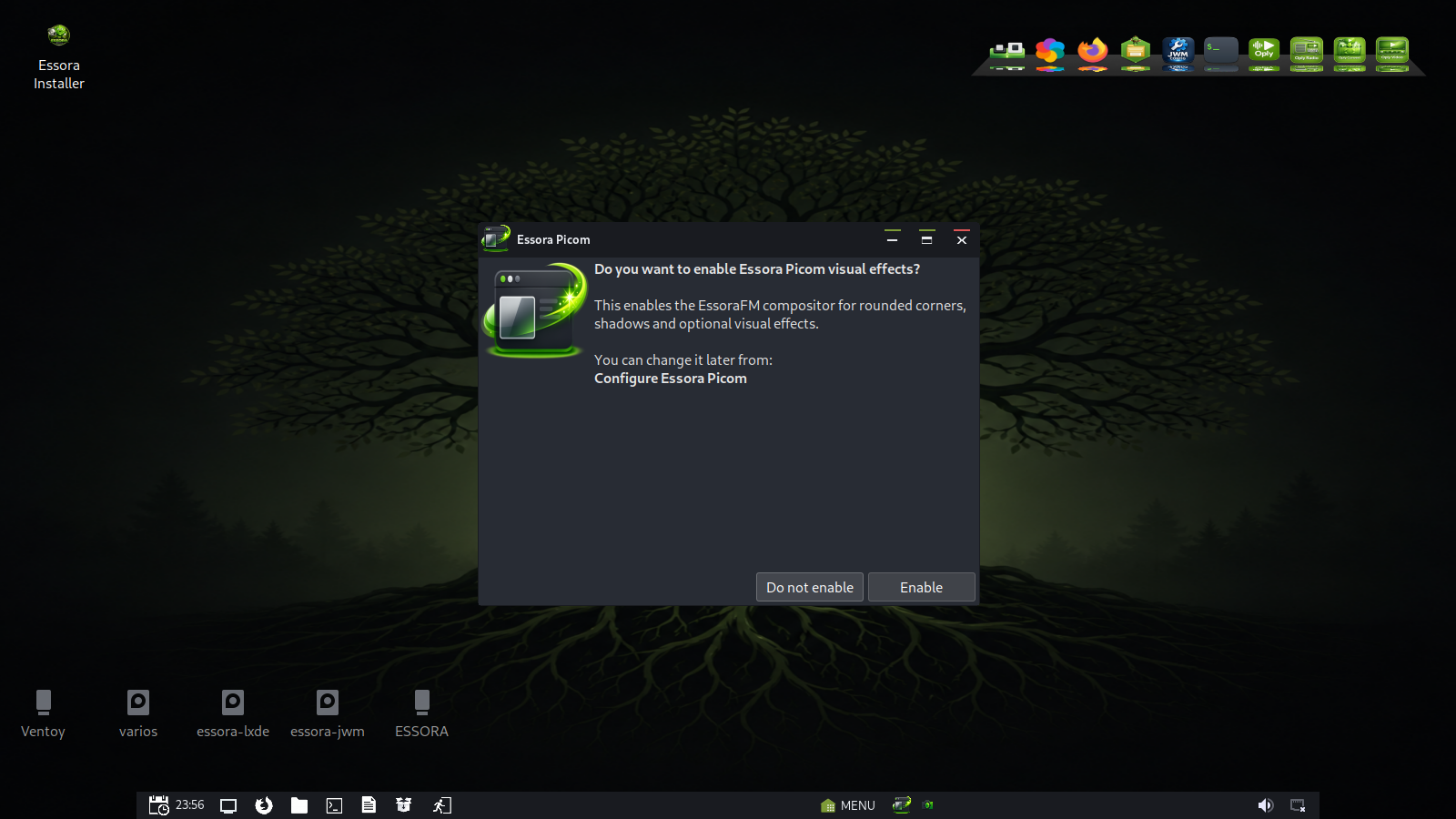
On first start, Essora asks the user whether they want to enable visual effects through EssoraFM Picom. This option controls shadows, rounded corners and transparency, allowing the user to keep the desktop minimal or enable a more polished visual experience.
Base System
- Base: Devuan
- Init: OpenRC
- Kernel: 7.0.0-rc7-essora
- Display stack: XLibre, a fork of Xorg
- Window manager layer: JWM
- Desktop layer: EssoraFM managing the Essora Desktop
- Philosophy: lightweight, fast, modular and without systemd
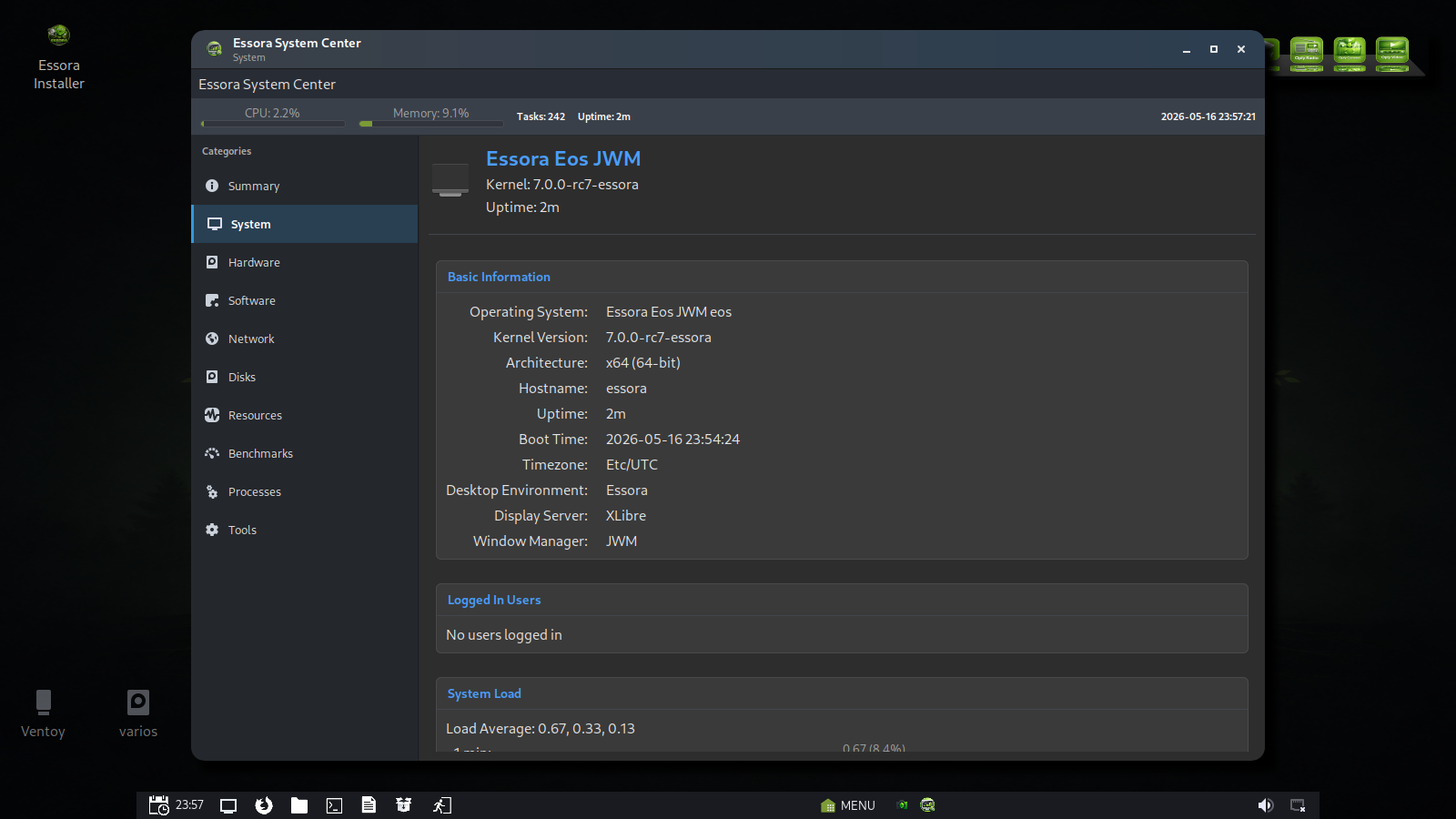
Essora Desktop
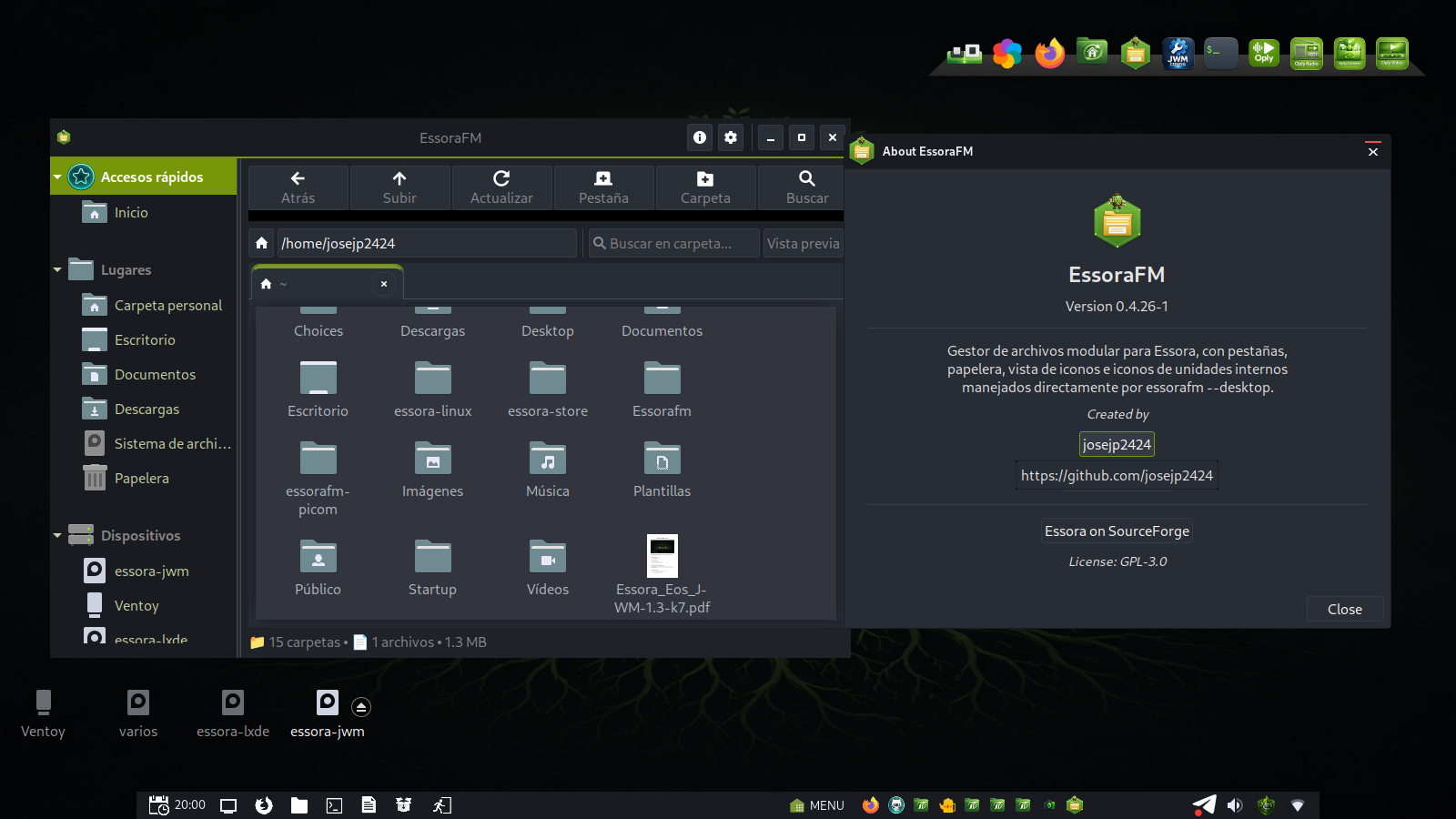
In this edition, the desktop is presented as Essora Desktop. JWM provides the X11 window-management layer, while EssoraFM controls the user-facing desktop: wallpaper, icons, mounted partitions, removable devices, application shortcuts and desktop context actions.
This approach keeps the system small and fast while giving Essora its own identity, workflow and desktop behavior.
- Desktop managed by EssoraFM
- Wallpaper handling and wallpaper carousel
- Desktop icons and launchers
- Mounted drives and removable media integration
- Context menu actions for the Essora environment
- Lightweight JWM/XLibre foundation
JWM Config for Essora
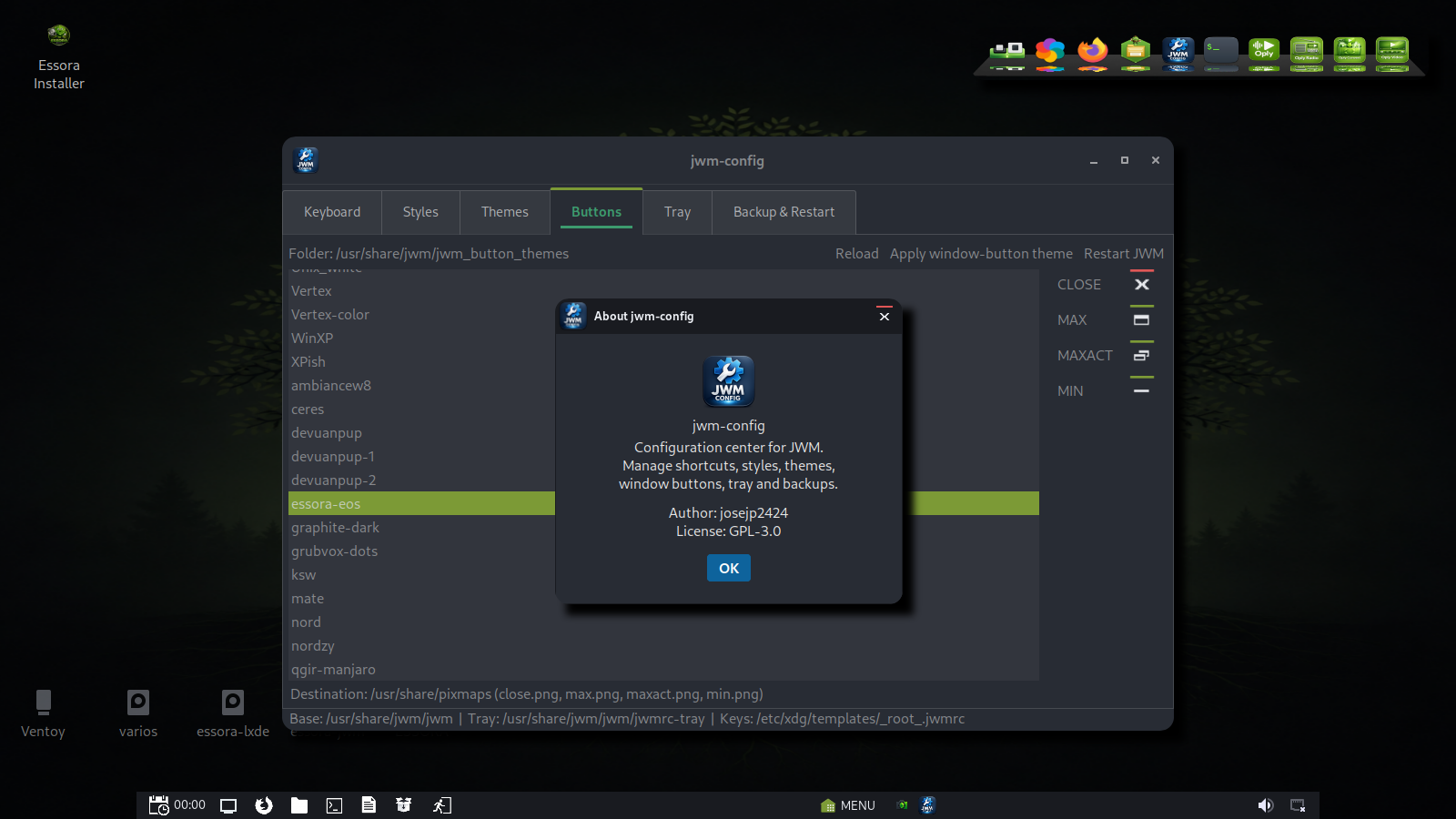
Essora includes its own JWM configuration tools, making the lightweight X11 layer easier to adjust while keeping the system fast. This allows the desktop to keep the simplicity of JWM but with a more integrated Essora workflow.
EssoraFM Picom
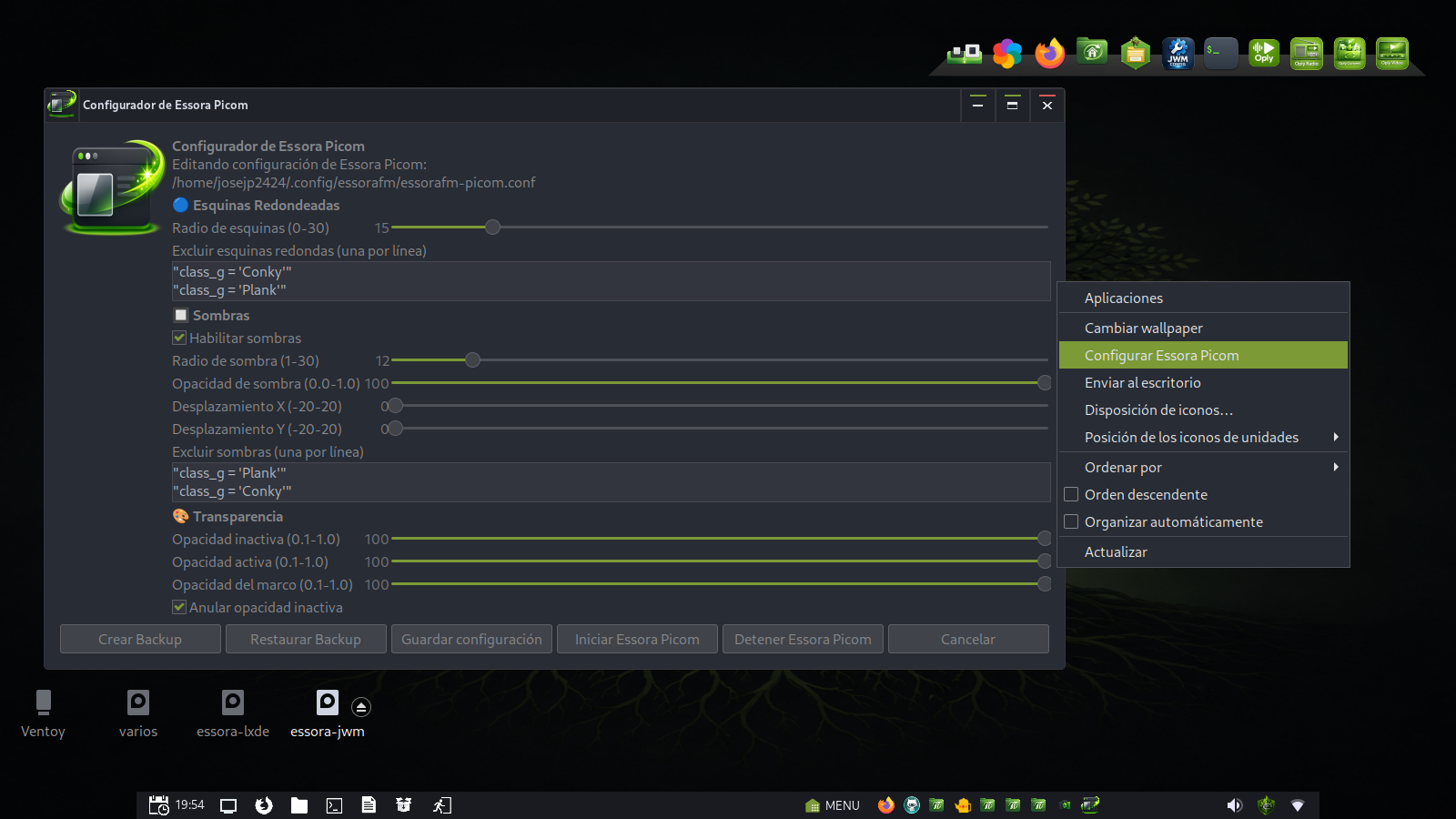
EssoraFM Picom brings visual polish to the desktop while staying lightweight: rounded corners, shadows, optional transparency, optional blur and fading, plus a graphical configuration tool integrated into the EssoraFM environment.
It is designed to feel like a native part of EssoraFM rather than a separate external service.
Google News Panel Widget
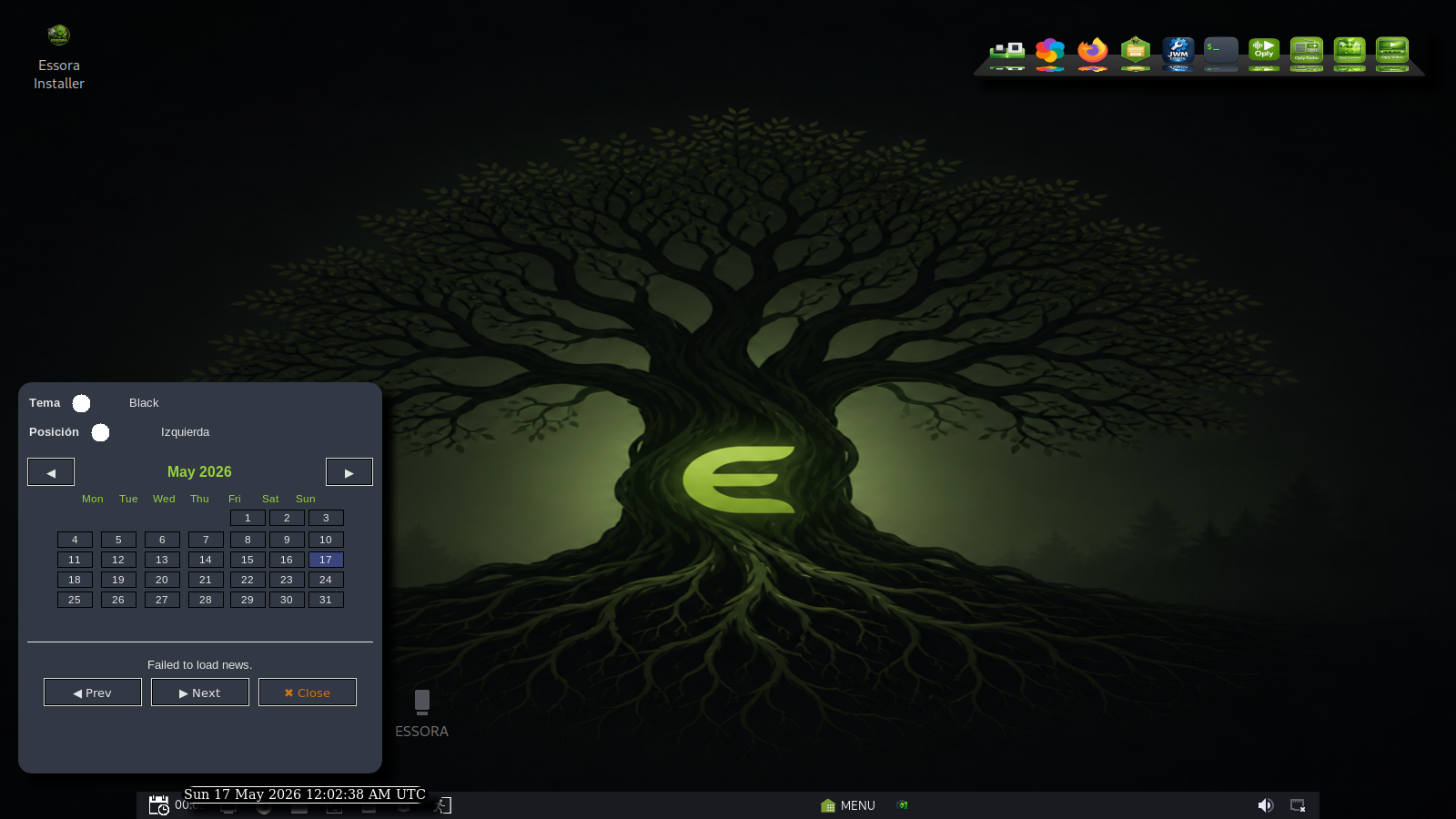
The panel includes a Google News widget that shows headlines from Google News RSS. It automatically selects the most appropriate feed based on the system locale, supports many languages and countries, and includes a small calendar with theme and position options.
Installer
Essora Eos Essora 1.4 K7 uses Essora Installer, the graphical installer built specifically for Essora Linux.
It copies the live system to disk using rsync and prepares the installed system for first boot, including user creation, hostname, timezone, keyboard settings, partition handling, filesystem formatting and GRUB installation for BIOS and UEFI systems.
Native Essora Tools
This ISO includes a growing set of applications developed for the Essora ecosystem. Together they make the system feel unified and easier to manage.
Essora Store
Unified software center for DEB, Flatpak and AppImage packages.
Essora VPN
Integrated VPN tool for secure connections using the Riseup VPN network.
Essora Firewall
Simple firewall management for basic network protection and status control.
Oply
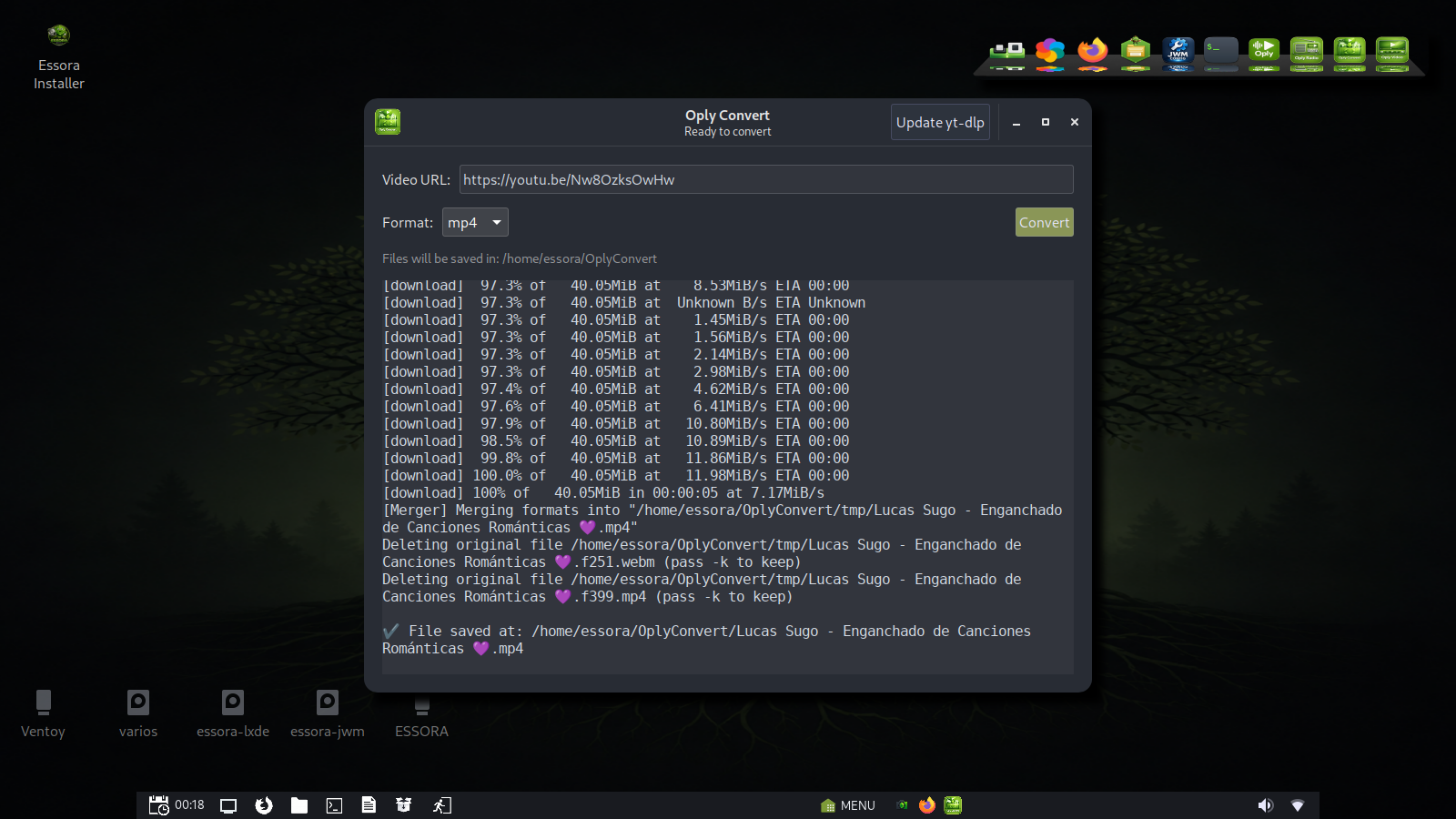
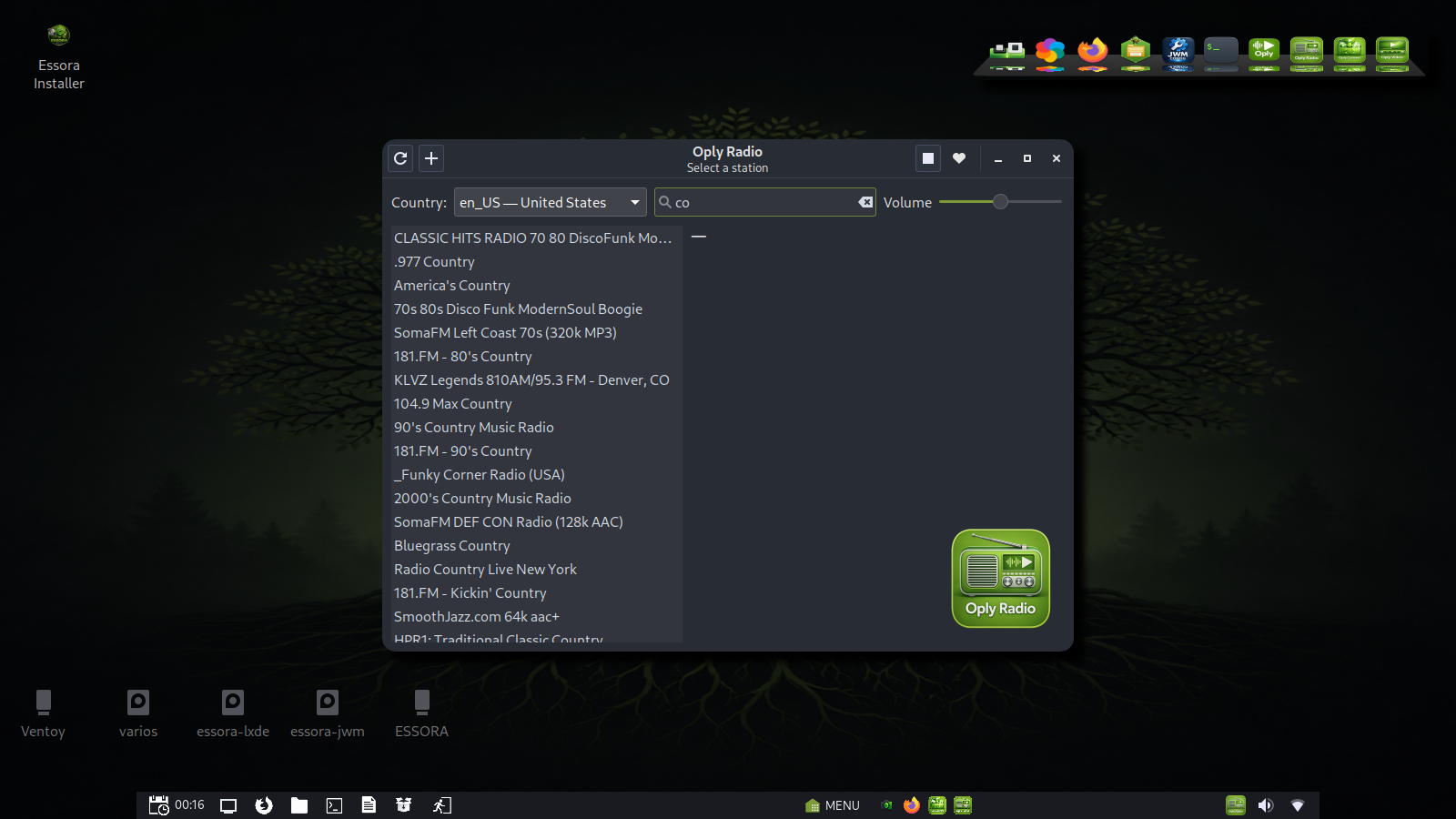
Essora multimedia suite with audio player, video player, IPTV, radio and YouTube downloader/converter.
Lumivio
Screen capture, GIF creation and desktop recording tool with a GTK3 interface.
Lumessora
Brightness control utility designed for the Essora desktop workflow.
EssDeb
Graphical installer for local .deb packages, making package installation easier for users.
PyMenu
Custom application menu used by Essora to provide a cleaner and more controlled launcher experience.
Essora CPUFreq
CPU frequency and temperature manager with governor selection and real-time system control.
Essora System Center
System information and management center with tools for monitoring and controlling Essora.
EssoraPolkit
Native authentication agent replacing the external polkit agent to keep the system more self-contained.
JWM Essora Config
Essora-specific JWM configuration and desktop tools for the lightweight X11 layer.
Oply Multimedia Suite
Oply is part of the Essora ecosystem and provides a complete multimedia experience: music playback, video playback with MPV integration, IPTV support, Internet radio and YouTube audio/video download and conversion.
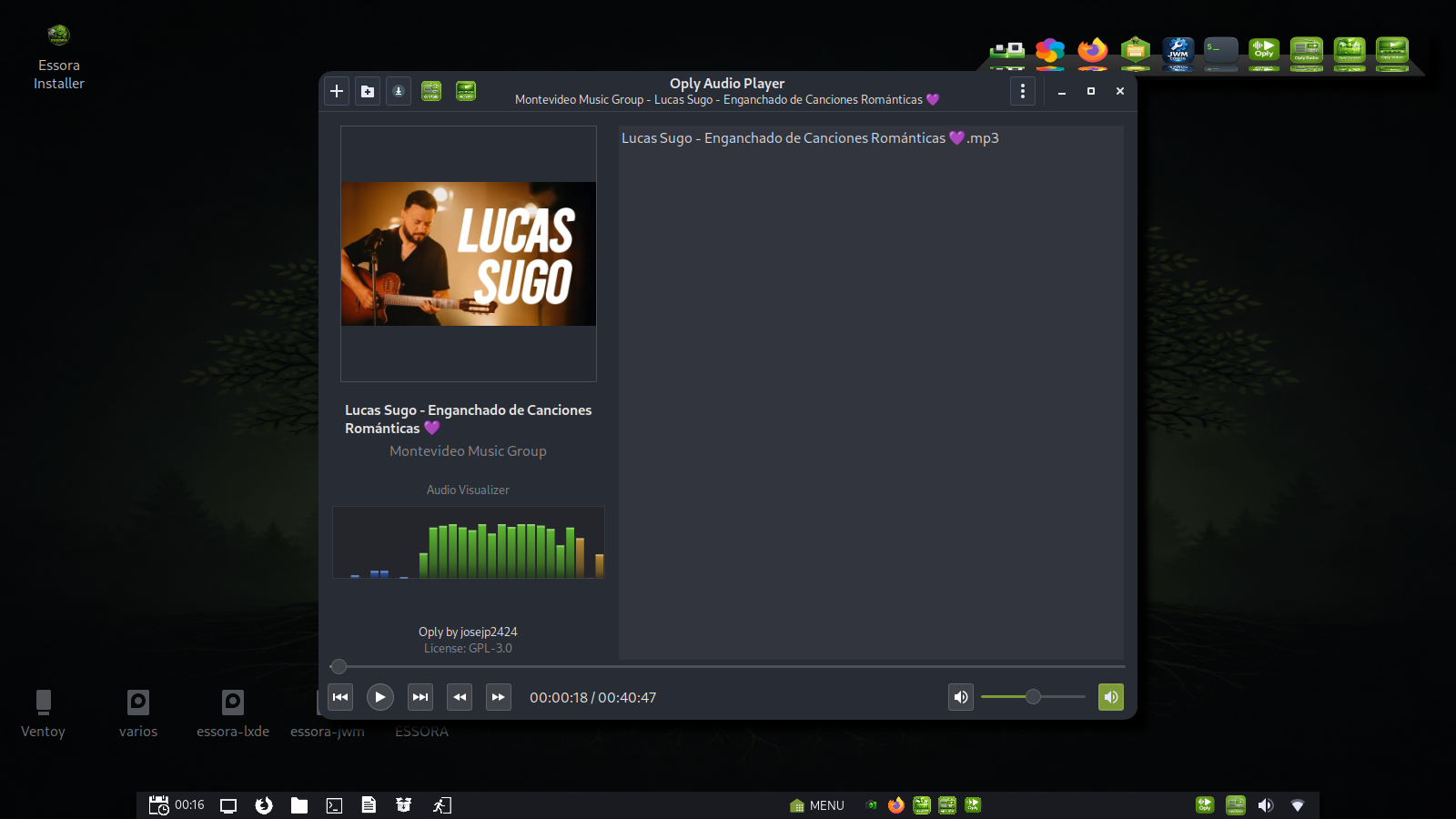
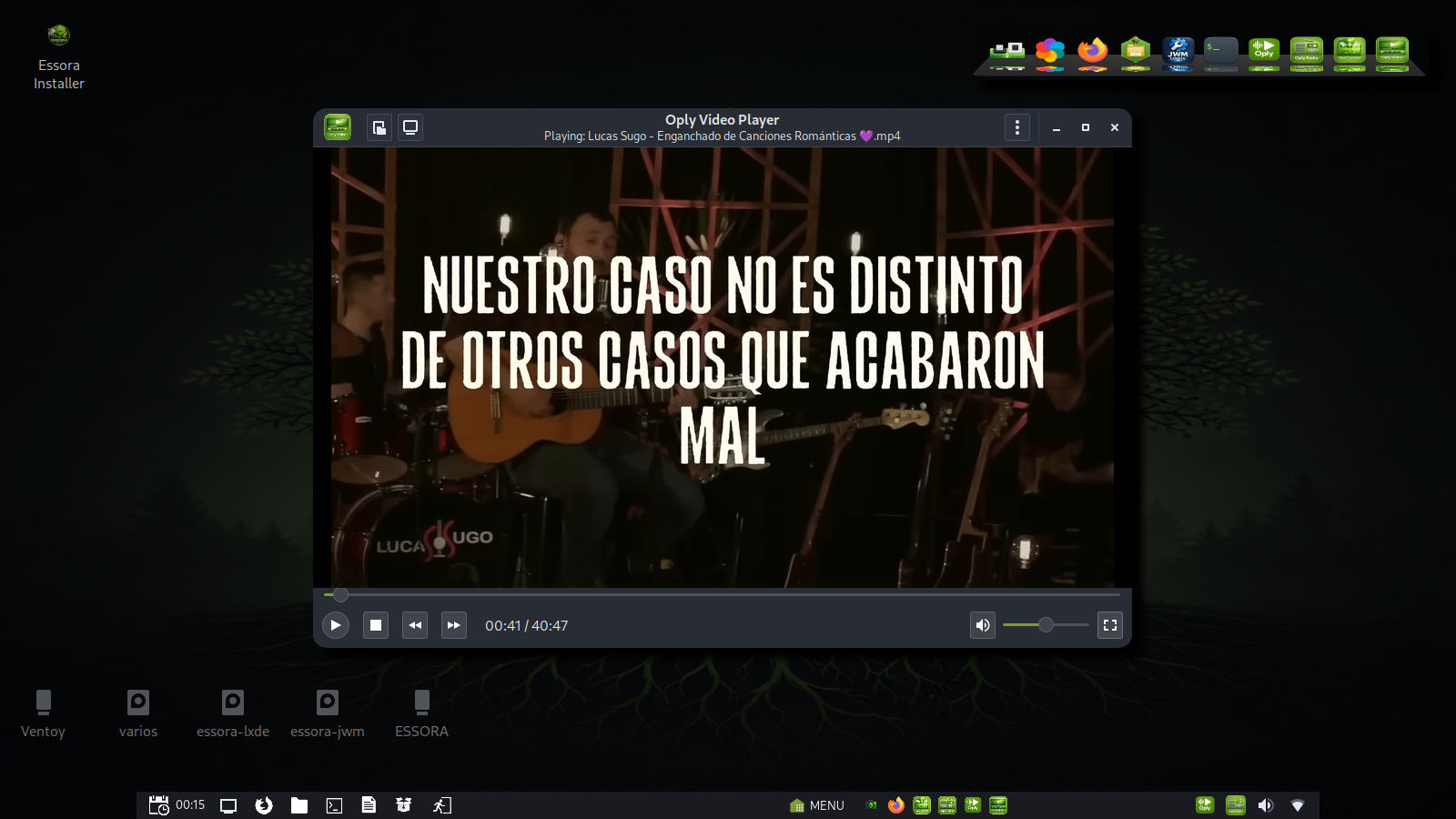
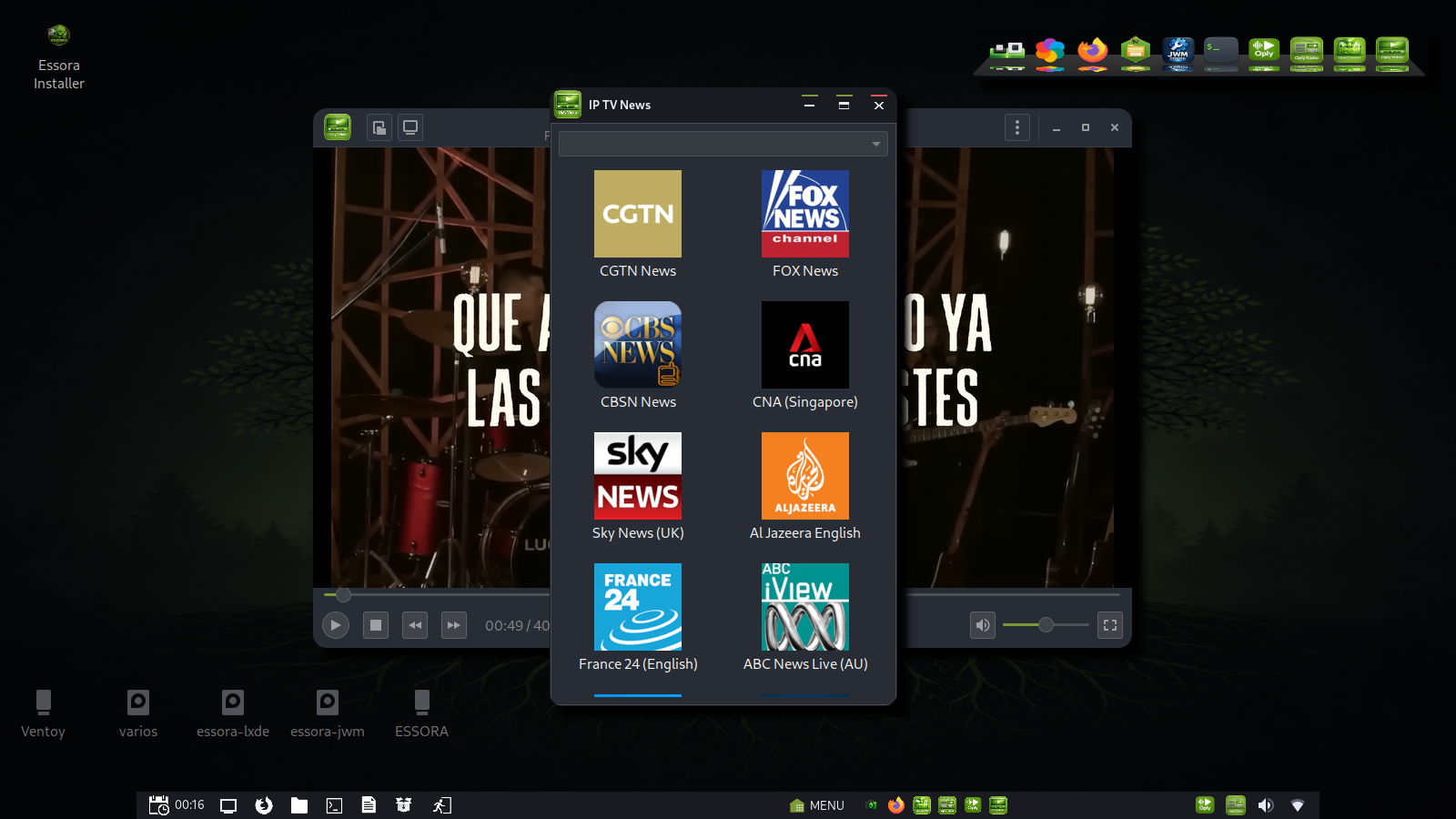
The video player can also handle IPTV lists, and Essora includes a default list so users can start testing IPTV playback without manual setup.
Included Applications
- AbiWord for documents
- Gnumeric for spreadsheets
- Evince as PDF reader
- Geany as code editor
- GIMP for image editing
- Viewnior as image viewer
A More Independent Essora System
This release continues moving Essora toward a more self-contained system. The desktop is managed by EssoraFM, package management is handled through Essora Store, multimedia through Oply, installation through Essora Installer, and authentication through EssoraPolkit.
The result is not just a JWM spin. It is an Essora desktop system built around its own tools, its own workflow and its own identity.
Project Links
Download
The ISO name for this release is:
Essora_Eos_Essora-1.4-k7-20260514.iso