Essora Eos Fluxbox XLibre
A lightweight desktop built around Fluxbox2, XLibre, ROX-Filer2 and the Essora ecosystem.
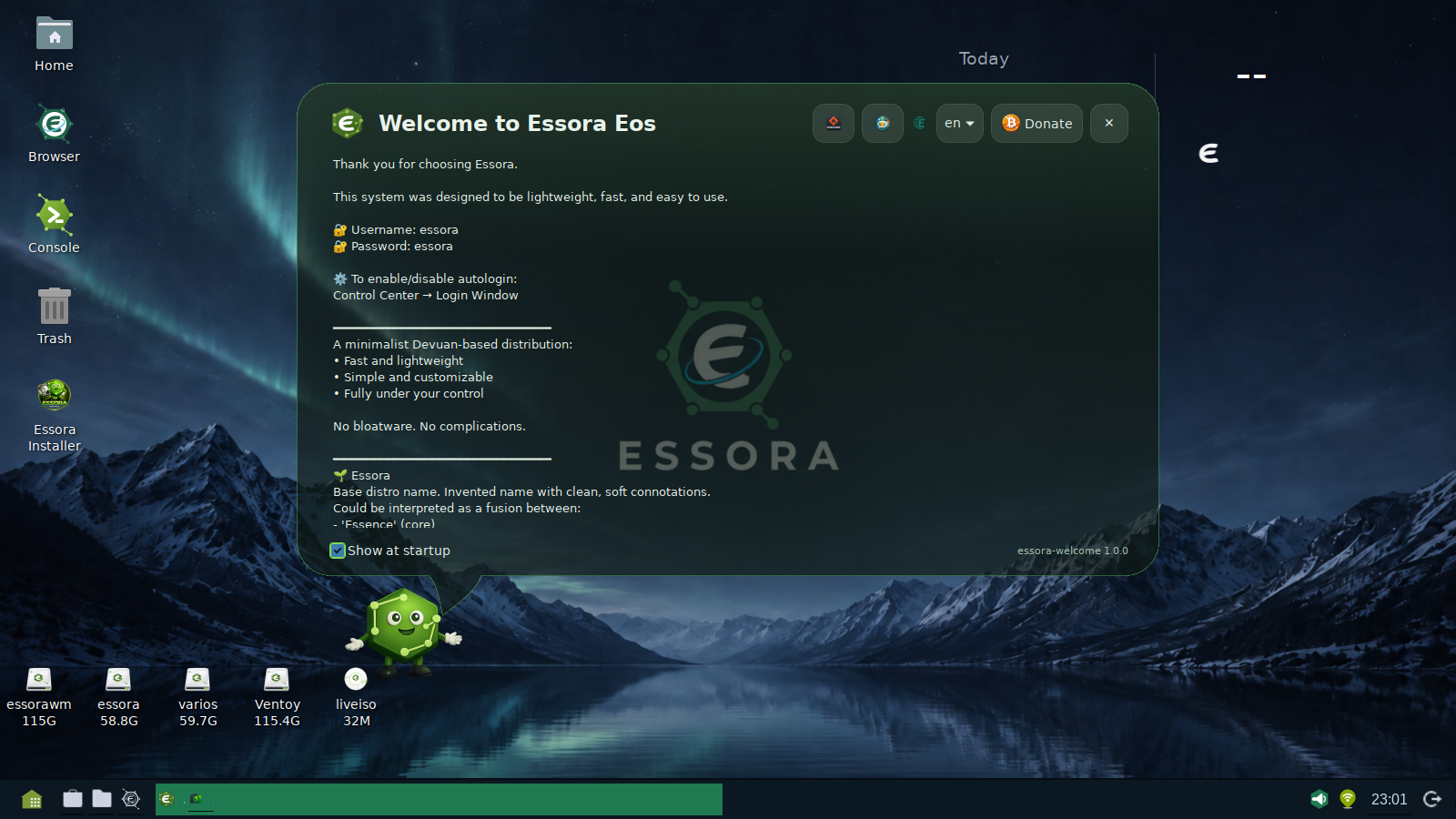
Essora Eos Fluxbox XLibre represents a new stage in the development of Essora Project. This edition keeps the system fast and lightweight, while integrating more of the desktop stack under a single project: from the Essora kernel build and XLibre to Fluxbox2, ROX-Filer2 and the applications used to configure and manage the system.
Fluxbox2 — not the traditional Fluxbox
One of the most important differences in this edition is Fluxbox2. Although it originates from Fluxbox, Fluxbox2 should not be confused with the traditional upstream window manager. It is an Essora Project fork developed specifically for the needs of the Essora desktop.
Fluxbox2 preserves the qualities that made Fluxbox attractive — speed, low memory usage and simplicity — while adding Essora-specific integration and GTK3-based desktop components. The project is being developed as a lightweight desktop layer rather than as a large monolithic desktop environment.
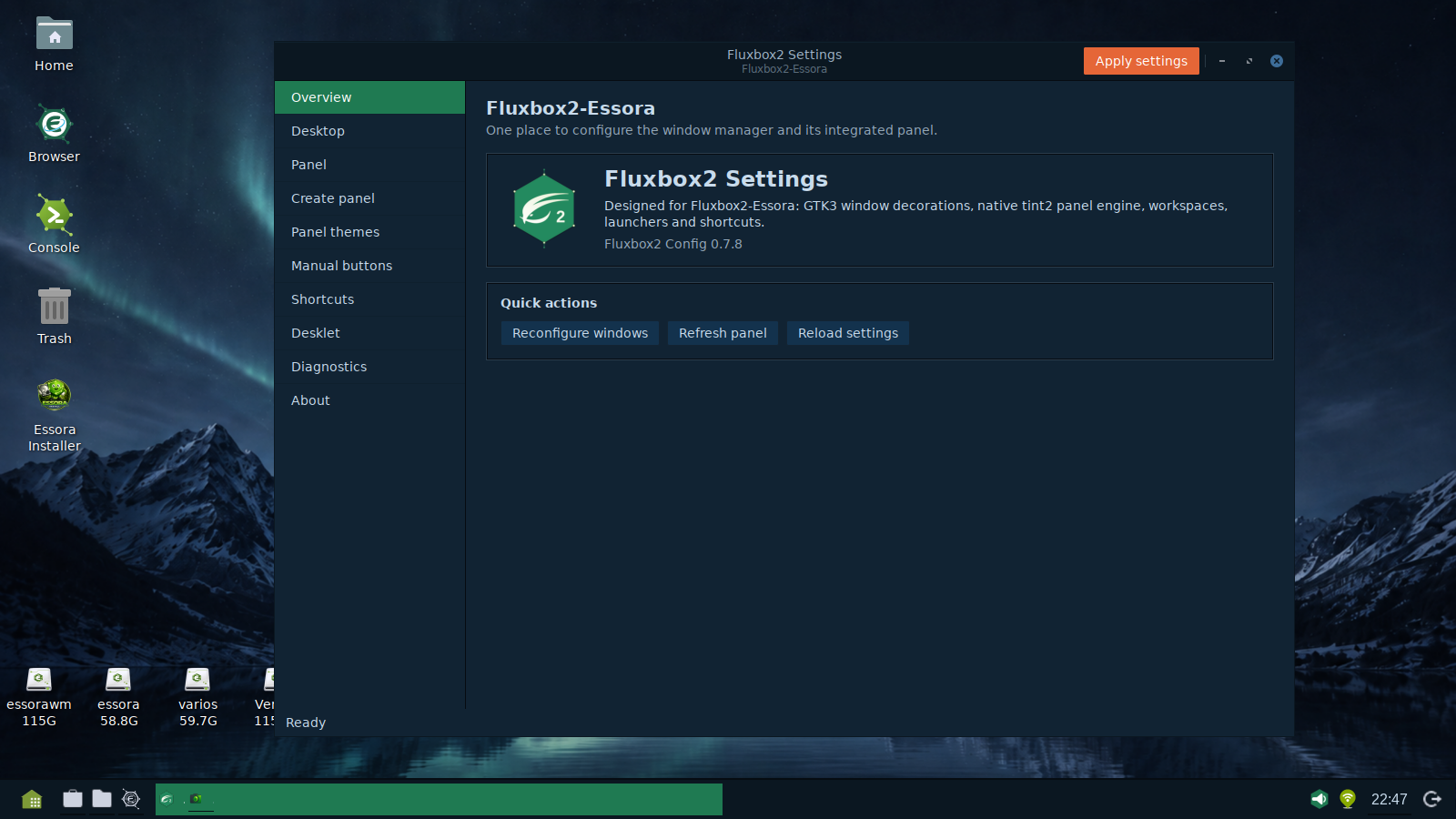
FluxboxConfig
Fluxbox2 is accompanied by FluxboxConfig, a graphical configuration tool designed to make the desktop easier to manage without forcing users to edit multiple configuration files manually. The intention is to keep Fluxbox lightweight while providing a more accessible and consistent Essora experience.
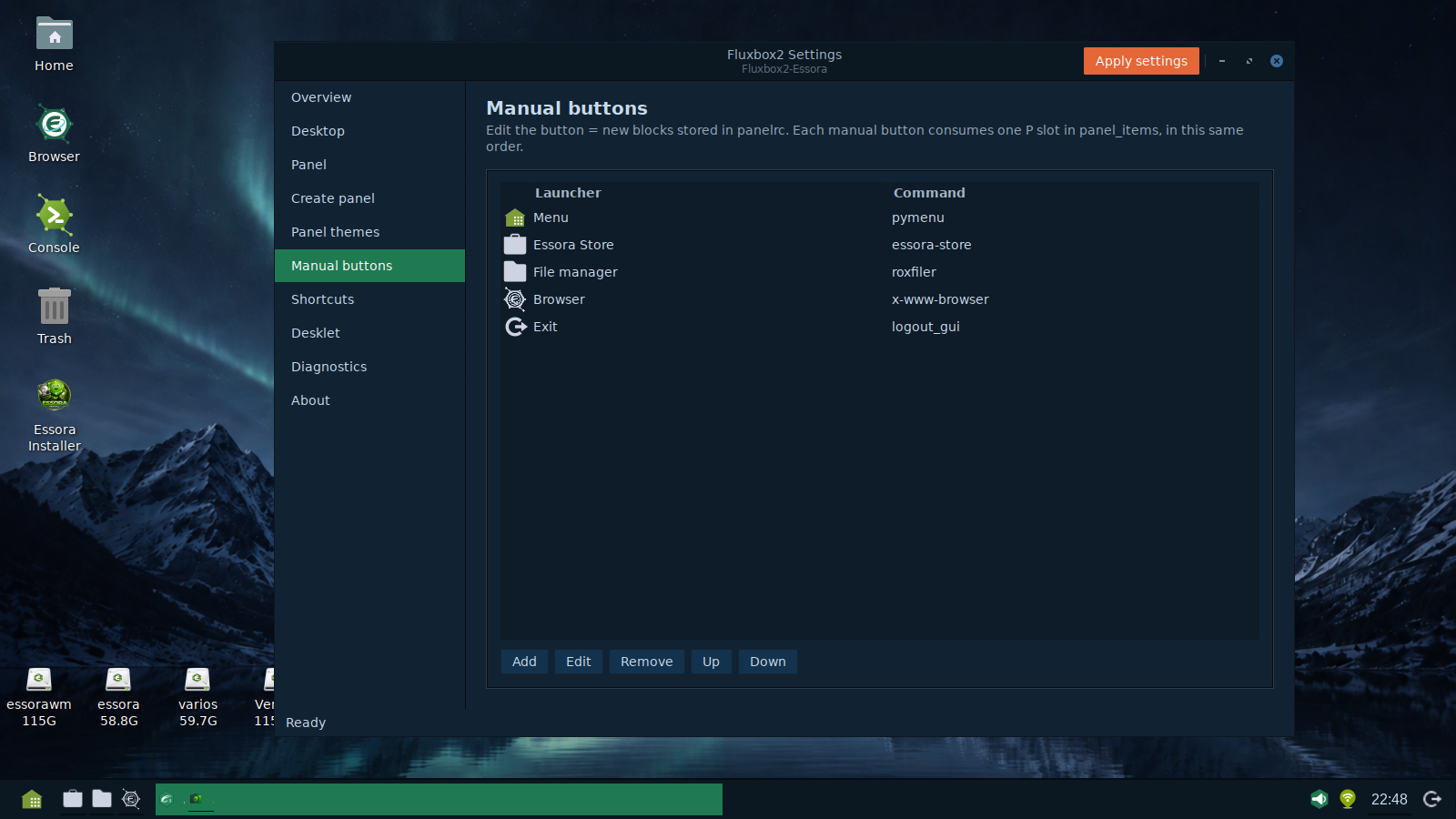
PyMenu — a dynamic application menu
The traditional static Fluxbox menu is replaced by PyMenu, Essora's dynamic application launcher. PyMenu reads the applications installed on the system and builds its categories from standard desktop entries, so the menu can follow software changes without requiring a hand-maintained menu file.
- Dynamic application categories
- Application search
- Favorites
- Automatic detection of installed software
- Integration with the Essora desktop
- Support for standard Linux desktop entries
ROX-Filer2 manages both files and the desktop
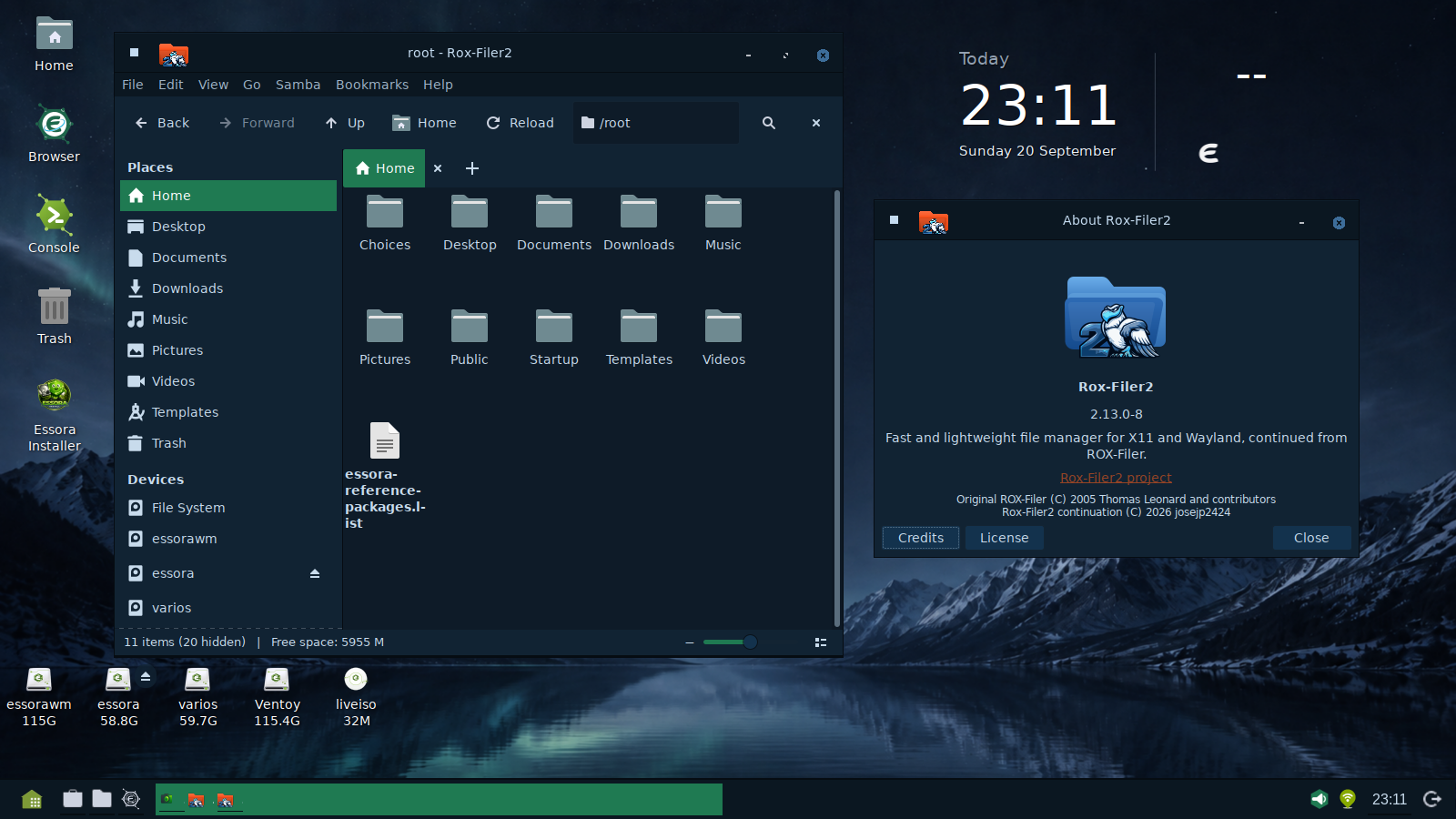
ROX-Filer2 is the main and only file manager used by this edition, and it is also responsible for managing the desktop. This gives Essora one lightweight component for file navigation, desktop icons, storage devices and common file operations.
- File and directory management
- Desktop icons
- Mounted device access
- Mount and unmount actions
- Network and Samba integration
- Modern and Classic interfaces
- X11 and Wayland-oriented development
Using one file manager for both the desktop and normal file operations reduces duplicated functionality and gives Essora tighter control over how removable devices, folders and desktop items behave.
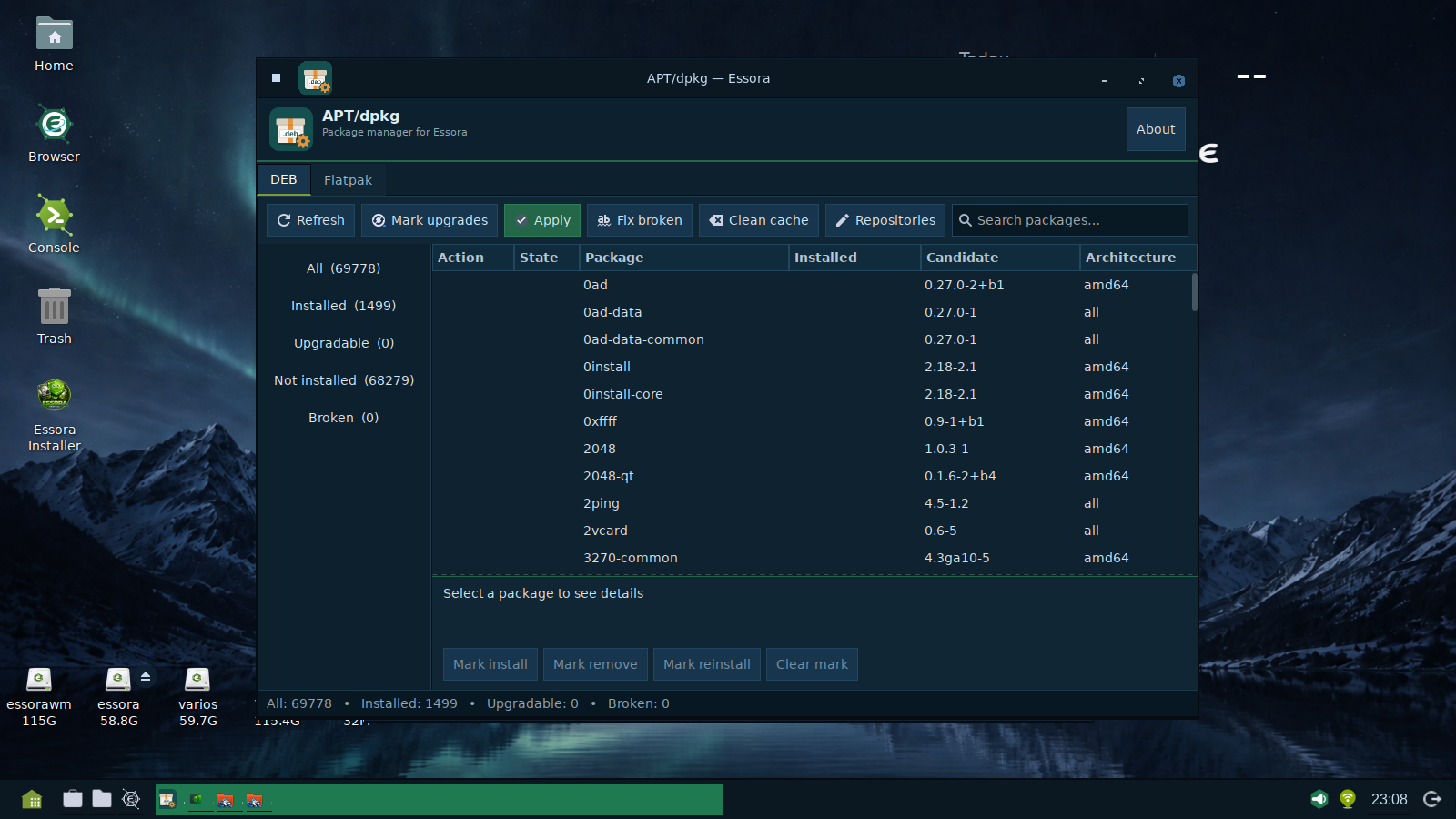
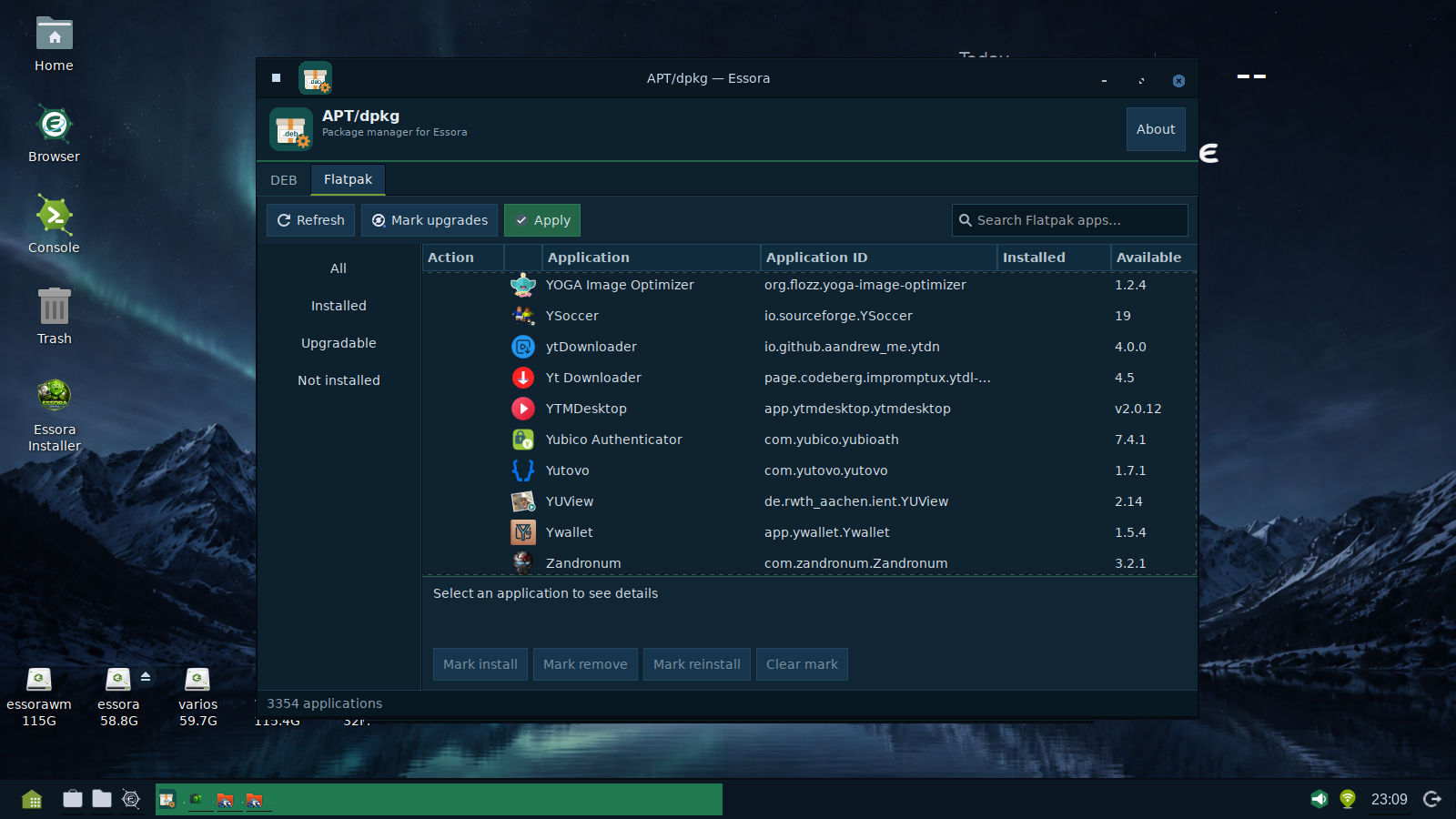
Software management: APT/dpkg and Flatpak in one Essora interface
Essora includes its own graphical package management interface for traditional Debian packages and Flatpak applications. The aim is to make software management clear without hiding the underlying package systems.
Essora Browser
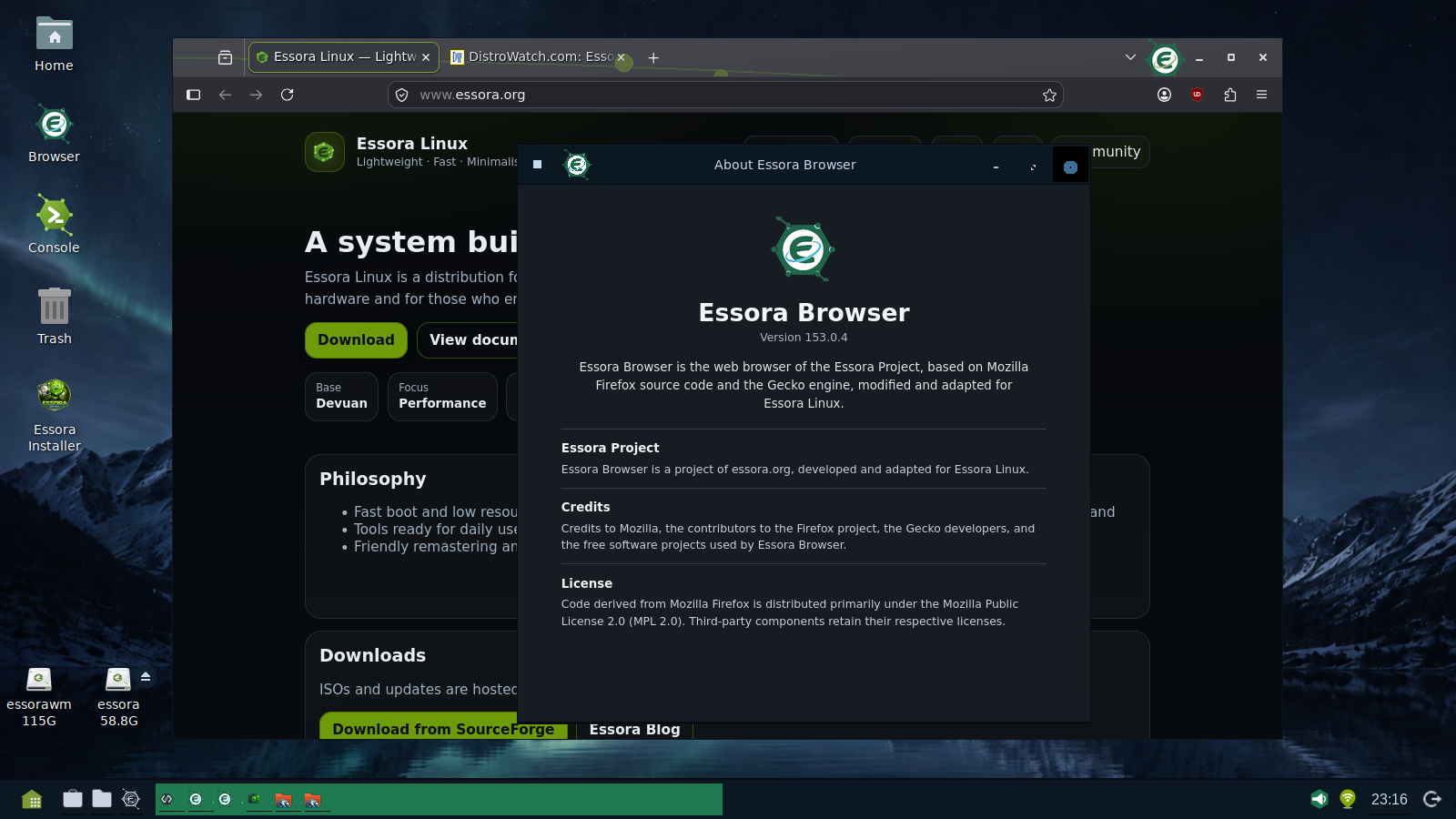
Essora Eos also includes Essora Browser, the browser adapted by Essora Project from the Mozilla Firefox and Gecko codebase. The browser follows the visual identity of the system while retaining compatibility with the modern web platform provided by Firefox.
More control from the kernel to the desktop
Essora Project is gradually taking responsibility for a larger part of its own system stack. Instead of depending on unrelated external utilities for every essential desktop task, the project is moving toward a platform where the main pieces are selected, adapted or developed to work together.
↓
XLibre
↓
Fluxbox2 + FluxboxConfig
↓
PyMenu + ROX-Filer2
↓
Essora system applications
This does not mean abandoning the GNU/Linux, Debian or Devuan ecosystems. It means reducing unnecessary dependence on unrelated desktop tools where Essora can provide a smaller, more integrated solution of its own.
Essora Assistant — experimental AI integration
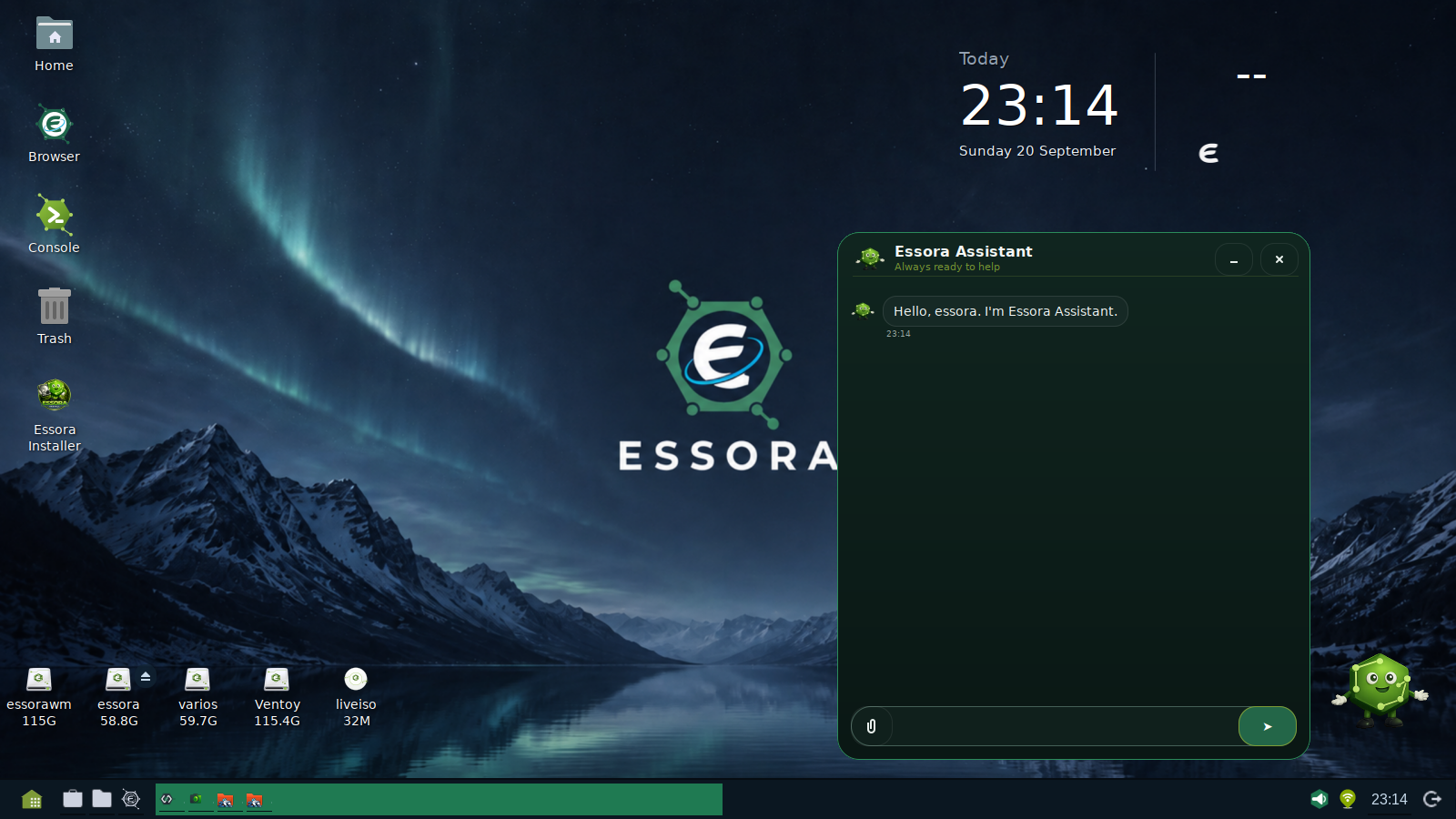
Essora Eos is also testing Essora Assistant, an experimental AI assistant designed to explore a simpler way to interact with the system. It is currently in an Alpha experimental stage and should not yet be considered a finished or critical system component.
At this stage the assistant can already be used for several tasks, including answering questions, performing web searches, helping with documents and study tasks, assisting with software installation and guiding the user through some system operations.
- Answer questions about the system
- Perform web searches
- Help summarize and work with documents
- Assist with study tasks
- Find software
- Help install programs when requested
- Guide the user through selected system tasks
Essora Assistant is intended to become another interface for using the system, not a replacement for the user's decisions.
The project is currently evaluating which functions are useful, which actions should require confirmation and how to keep every operation understandable to the user. The next objective is a more stable Beta base that can make everyday system management easier for people who choose to use it.
Desktop screenshots
Lightweight does not mean limited
Essora continues to follow a simple idea: a lightweight operating system does not have to be a limited operating system. Fluxbox2 remains small, ROX-Filer2 handles both files and the desktop, PyMenu provides dynamic application discovery, GTK3 is used for lightweight graphical tools, and XLibre provides the graphical foundation.
The direction of the project can be summarized in three principles: integrate more, duplicate less, and keep the user in control.
Download Essora Eos Fluxbox XLibre
Try the current Essora Eos Fluxbox XLibre ISO:
Download from SourceForgeFile: Essora_Eos_Fluxbox_Xlibre-20260921_0348.iso
Help Essora gain visibility
If you like the project and want to help more people discover it, you can visit the Essora page on DistroWatch. Every bit of community visibility helps an independent project reach new users and testers.
Visit Essora on DistroWatchEssora Eos Fluxbox XLibre
Lightweight by design. Integrated by choice. Under the user's control.